
 EN
EN



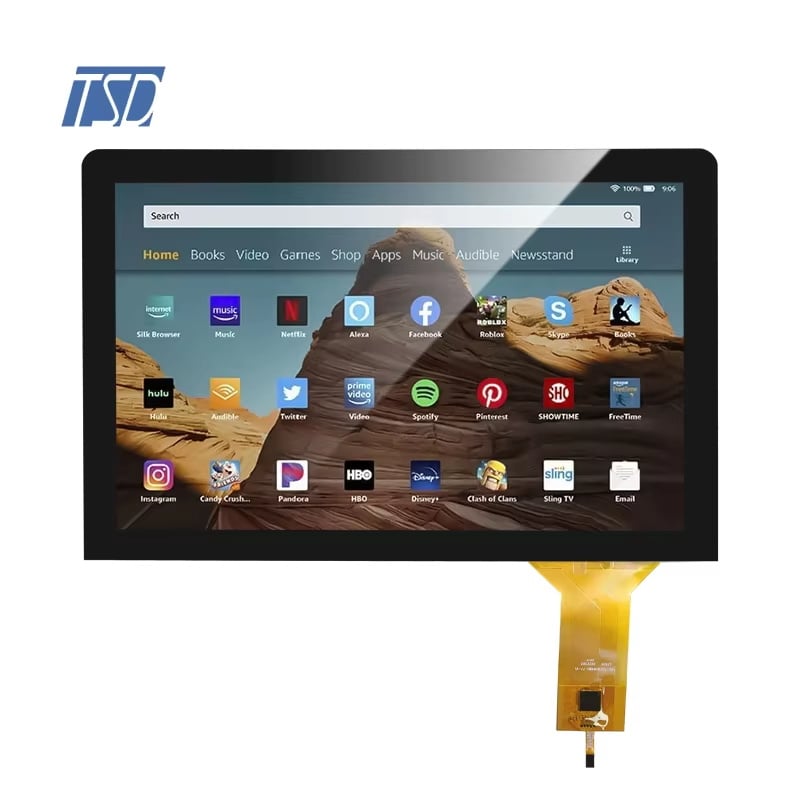
Sourcing the right graphic LCD display for an industrial or embedded product requires a clear understanding of technical specifications. A graphic LCD display is fundamentally different from a character-based module — it renders pixels across a defined matrix, giving engineers full control over images, custom fonts, icons, and dynamic interface layouts. For B2B procurement teams, knowing which specs matter and why they matter is the first step toward selecting a graphic LCD display that meets product requirements without overspending.
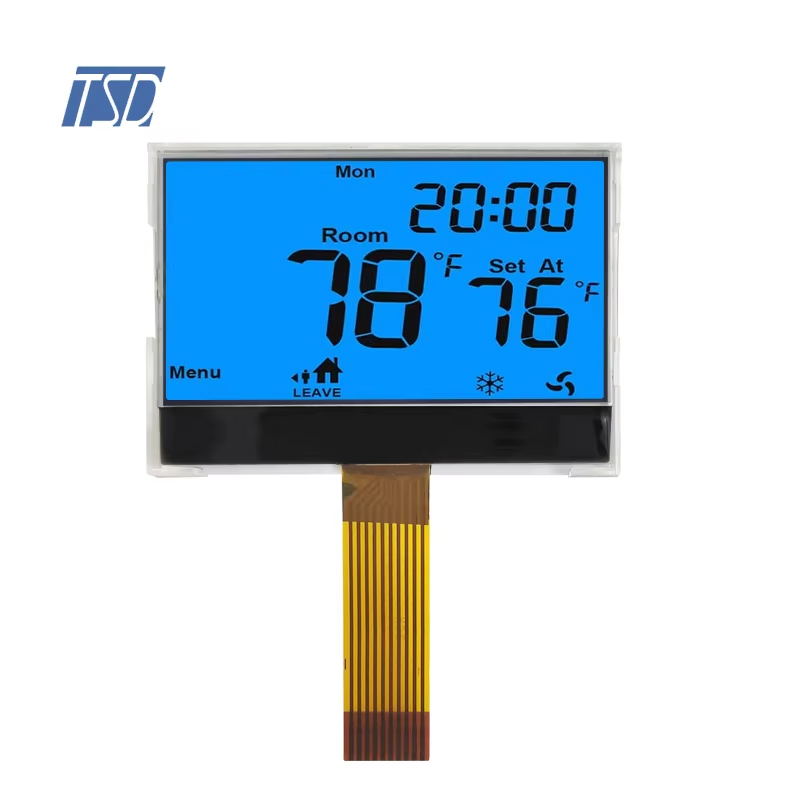
Every graphic LCD display carries a set of parameters that define its visual performance, interface compatibility, power behavior, and environmental resilience. Procurement professionals and engineers must evaluate each graphic LCD display against their product's specific operating conditions, firmware capabilities, and end-user environment. This guide walks through the most critical technical specs to review when evaluating a graphic LCD display for B2B applications, helping your team move from specification sheet to confident purchase order.
Resolution, Dot Matrix, and Viewing Area
Dot Matrix and Pixel Density
The resolution of a graphic LCD display is expressed as a dot matrix — for example, 128x64 pixels. This tells you how many individual pixels the graphic LCD display can control horizontally and vertically. A 128x64 graphic LCD display is among the most widely used formats in embedded industrial systems, offering enough resolution for simple graphics, status indicators, and alphanumeric data without demanding excessive controller memory. Higher-resolution variants such as 240x128 or 320x240 are available when a graphic LCD display needs to render more complex visual content.
Pixel density, expressed in dots per inch or dots per centimeter, determines how sharp text and graphics appear on the graphic LCD display. For applications where operators read the graphic LCD display from a close distance, higher pixel density improves clarity and reduces eyestrain. Procurement teams should match the dot matrix of a graphic LCD display to the actual display area dimensions to ensure pixel density is appropriate for their use case.
Active Viewing Area and Module Dimensions
The active viewing area of a graphic LCD display defines the region where pixels are visible, measured in millimeters. This dimension is separate from the overall module outline, which includes the PCB, mounting tabs, and connector areas. When integrating a graphic LCD display into an enclosure, both the active area and the total module outline must be verified against the mechanical drawing. A graphic LCD display with a large active area but compact outline is particularly valuable in space-constrained designs.
Interface Type, Controller IC, and Drive Method
Serial and Parallel Interface Options
The communication interface of a graphic LCD display determines how the host microcontroller sends image data to the module. Parallel interfaces, such as 8-bit or 4-bit bus, offer faster data transfer and are preferred when a graphic LCD display must refresh rapidly or display frequently updating content. Serial interfaces including SPI and I2C reduce pin count and board routing complexity, making them ideal when the graphic LCD display is used in systems where GPIO resources are limited. For COG (Chip-On-Glass) versions, SPI is the most common interface, significantly reducing the physical footprint of the graphic LCD display assembly.
Controller IC Compatibility
Each graphic LCD display relies on an integrated controller IC that translates commands from the host system into pixel-level drive signals. Common controller ICs found in a graphic LCD display include the ST7920, KS0108, UC1701, and NT7538 families. The choice of controller IC affects the instruction set your firmware must support, the initialization sequence required, and the voltage levels expected by the graphic LCD display. When evaluating a graphic LCD display for procurement, confirming the controller IC model early allows firmware teams to verify driver library availability and reduce development risk. A well-documented controller IC on a graphic LCD display shortens integration timelines significantly.
Backlight Type, Voltage, and Environmental Ratings
Backlight Options for a Graphic LCD Display
A graphic LCD display is available with or without a backlight depending on the application environment. In well-lit factory settings or outdoor daylight conditions, a reflective graphic LCD display without a backlight may perform adequately and consumes minimal power. For panels mounted in dimly lit cabinets, medical devices, or handheld instruments, a backlit graphic LCD display is necessary for readability. LED backlights are the current standard for a graphic LCD display, offering long service life, low power draw, and consistent brightness across operating temperature ranges. Backlight color options typically available for a graphic LCD display include white, yellow-green, blue, and red.
Operating Voltage and Temperature Range
The operating voltage of a graphic LCD display typically falls in the 3.3V or 5V range for logic supply, while the LCD drive voltage (VLCD) may be independently adjustable via an external resistor or internal booster circuit. Verifying supply voltage compatibility is essential before finalizing a graphic LCD display for a design, as mismatched voltages damage the module or produce poor contrast. The operating temperature range of a graphic LCD display is equally important in industrial environments. A standard graphic LCD display operates from 0°C to 50°C, while wide-temperature variants extend to -20°C or lower, supporting outdoor or cold-storage deployments. Procurement teams must confirm whether the selected graphic LCD display carries the temperature rating required by their application's environmental specification.
FAQ
What is the most common resolution for a graphic LCD display in industrial use?
The 128x64 dot matrix is the most widely used resolution for a graphic LCD display in industrial and embedded applications. It provides sufficient pixel density for text, icons, and simple graphics while keeping controller memory requirements low. This format of graphic LCD display is supported by a broad range of controller ICs and firmware libraries, making it a reliable procurement choice.
How do I choose between a COG and a standard graphic LCD display?
A COG graphic LCD display bonds the driver IC directly to the glass, resulting in a thinner, lighter, and more compact module compared to a standard graphic LCD display with a separate PCB-mounted controller. COG versions of a graphic LCD display are preferred when board space is limited or when the design requires a low-profile assembly. Standard graphic LCD display modules may offer simpler integration for prototyping stages where connector flexibility is valued.
Does a graphic LCD display require external contrast adjustment?
Some versions of a graphic LCD display require an external potentiometer or resistor to set the VLCD contrast voltage, while others include an internal voltage booster that allows contrast control via software commands. When selecting a graphic LCD display for production, opting for a model with software-adjustable contrast simplifies the bill of materials and allows the end product to calibrate the graphic LCD display display settings without hardware changes.